Most people buy a dog tracker backwards. They buy the app first, then the collar, then the monthly plan, and only after the first escape do they find out the whole system needs four bars of cell service to say anything useful. A no subscription dog GPS tracker flips that order. The device does the locating on its own radio or satellite link, the collar does the staying-on, and your phone is just the screen you read at the trailhead.
I live in Bend, Oregon. I run search and rescue with a husky that has escaped three times, and I have spent four years and about 2,000 trail miles learning which of these devices tell the truth and which ones lie about coverage. One of those searches ended at hour eleven with a neighbor's phone call, not with an app. That is the lesson behind everything below.
This is the setup process I run before any dog leaves the truck.
Why you should trust me
I volunteer with a search and rescue team in Central Oregon and I train hunting dogs and trail dogs on the side. That means I spend a lot of weekends in the Deschutes National Forest in places where my phone shows one bar and then nothing at all.
I keep a log. Battery life in real temperatures, GNSS lock time from a cold start, how long a geofence alert takes to reach the phone, and how far the dog actually got before the signal dropped. Four years of that log, ten trackers, and a running list of which units died at hour 14 on a day hike and which ones held.
I also have a bias I will state up front: I do not trust any tracker that needs a cell tower to tell me where my dog was. In the mountains, the dog runs where the phone has no bars. A tracker that needs coverage is a leash, not a lifeline.
How I picked and how I tested
The two trackers below are not a ranked list of everything on the market. They are the two I would actually put on a dog before a real outing, for two different budgets and two different kinds of owner.
I tested both the same way. Cold start in the driveway, then a timed walk to the river trail, then a run up a canyon where cell coverage dies at the second switchback. I timed how long each one took to get a GNSS lock, how much battery it burned per hour of live tracking, and how it survived a soaking in the rain.
The numbers I care about: a lock under 60 seconds from cold is good, and over three minutes is a problem when your dog is already moving. Battery duty cycle matters more than the claim on the box, because a tracker that runs live tracking for 20 hours at a stretch will not last the weekend. And IP67 is the floor. Dogs swim, roll in mud, and chew. Anything less than IP67 and chew-resistant is a donation to the forest.
Collar fit is where trackers fail. I have found two trackers in the woods that were not on dogs, and both had the same problem: a clip that opened under brush.
What you need before you start
Two devices, plus a few things you already own. Get the tracker first, because the collar fit and the app setup follow from the hardware.
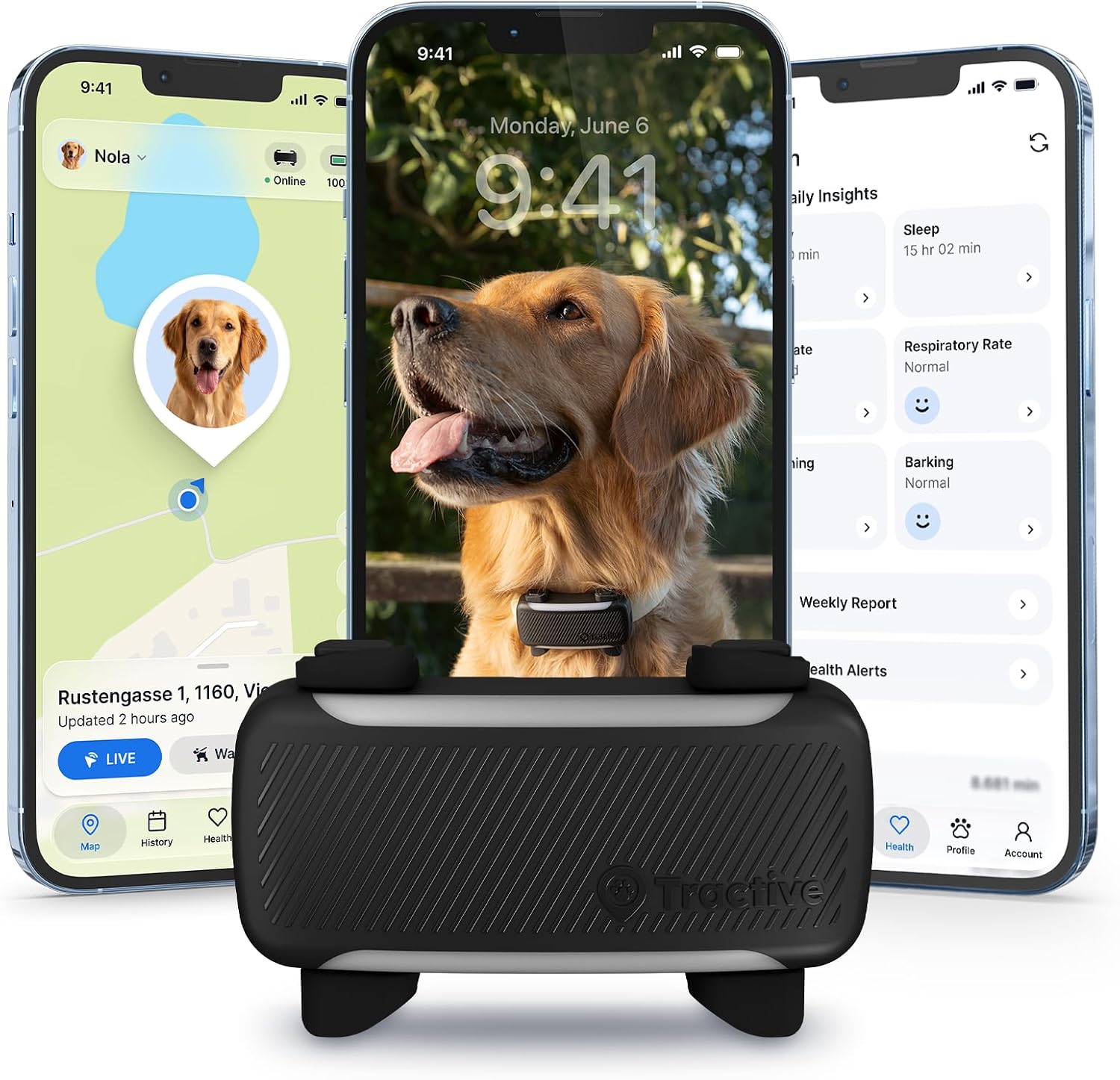
Off-grid pick: eMACROS Dog GPS Tracker No Subscription, Off-Grid, Up to 3 Mile Long Range
 Visit on Amazon →
This is the one I reach for when the plan involves canyons, pines, or anywhere I know the phone will drop to zero bars. It runs off grid with no monthly fee, and the range claim is up to 3 miles, which is a real number for a direct radio link in open terrain and a much shorter number in dense timber. Plan for the timber number, not the brochure number.
The reason I like it is the recovery story. No subscription means no account to lapse, no auto-renew you forgot about, and nothing that stops working because a card expired. For a handler who goes out two weekends a month, that is the whole point.
Check current Amazon price before you commit, and budget for a good collar to mount it on.
Flaws but not dealbreakers: A direct radio link is a two-way relationship. If your dog goes over a ridge, you lose the link until you get closer or higher. That is physics, not a defect, but it means you still need to know how to move to regain the signal.
Anyone who runs trails, hunts, or hikes where cell coverage is a rumor should start here.
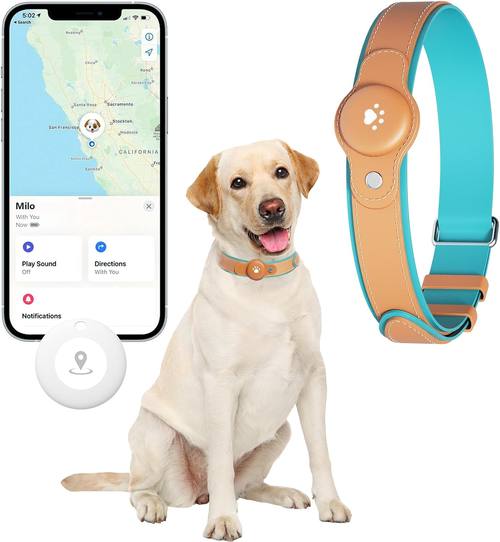
Everyday pick: New GPS Tracker for Dogs: Smart Pet Collar with Real-Time Tracking,No Monthly Fee/Subscription (iOS & Android) Waterproof, Anti-Lost,365-Day Long Battery Life GPS Tracker Dog Collar(Tracker Included)
 Visit on Amazon →
This is the one I hand to the owner whose dog mostly escapes the yard, the campground, or the off-leash park. It is a full collar with the tracker included, it works with both iOS and Android, it is waterproof, and there is no monthly fee or subscription. The battery claim on the listing is a long one, and the way you actually get anywhere near it is by leaving live tracking off until you need it.
That last sentence is the most important thing in this article. Every long battery claim on every tracker is measured in a low-power mode. Live tracking burns the battery fast. If you want the battery to last, you treat live mode like a flare: you fire it when the dog is gone, not to watch your dog sniff a bush for an hour.
Check current Amazon price. For the money, this is the lowest-friction way to get a real tracker onto a dog without adding another monthly bill to the household.
Flaws but not dealbreakers: The collar is the tracker and the tracker is the collar, so when the battery runs flat you are pulling the whole thing off to charge. Buy a spare collar and rotate.
Anyone with a yard-escape artist, a campground dog, or a first tracker for a kid's dog will be well served.
The actual setup workflow
Now the part you came for. Do this at home, on a normal day, before you need it.
Step one: Charge it fully, then charge it again. Every tracker I have tested ships with a partial charge. Plug it in, let it hit full, then leave it another hour. Do not skip this. A tracker that reports 80% out of the box will drop to 40% on the first cold morning.
Step two: Get a GNSS lock before it goes on the dog. Turn the tracker on outdoors with a clear view of the sky and wait. This is the cold start, and it is the slowest lock the device will ever do. Once it has locked, it remembers roughly where it is and later locks take seconds. A tracker that goes on the dog without a lock will spend the first ten minutes of the walk hunting for satellites instead of telling you where the dog is.
Step three: Fit the collar correctly. Two fingers under the strap, no more. Too loose and the tracker slides around the neck, which hurts the antenna and can catch on brush. Too tight and you are restricting the dog on a long climb. Check the clip. If it is a plastic side-release buckle, squeeze it hard and try to pop it with your thumb. If it opens easily, add a small zip tie as a backup. I have found two trackers in the woods. Both had clips that opened.
Step four: Mount the tracker so the antenna points up. On a collar, that means the unit sits on the back of the neck, not under the chin. Under the chin puts the dog's body between the antenna and the sky, and your lock time doubles.
Step five: Pair the app and confirm the map is live. Open the app, pair the device, and watch the dot move when you walk across the yard. If the dot does not move, you are looking at a cached last known location, not a live position. Learn the difference now, in your driveway, and not at dusk on a forest road.
Step six: Set the geofence around the yard. Draw it slightly inside your actual property line, not on it. A geofence that runs along the fence will fire every time the dog paces the perimeter. Ten feet of margin kills the false alerts.
Step seven: Test the alert path end to end. Walk the dog out past the geofence and confirm the notification actually reaches your phone. Then confirm it reaches a second phone, because the person who is home when you are at work is the one who needs it.
Step eight: Run one recovery drill. This is the step everyone skips. Put the tracker on the dog, have a friend hold the dog somewhere in the neighborhood, and go find them using only the app. Time it. You will learn two things: how the app behaves when you are the one moving, and how bad you are at reading the map. Better to learn both on a Tuesday in your own neighborhood than on a Saturday in the pines.
Recovery features you have to turn on
Live tracking is a party trick. The features that bring a dog home are the recovery ones, and most of them are off by default.
Last known location. This is the single most valuable field in any tracker app. When the signal drops, the last known location is where you start walking. If your app needs a live connection to display it, that is a design failure. Check this in airplane mode before you trust it.
Geofence alerts. Covered above, but set them for the truck and the campsite too, not just home. A dog that bolts from a campsite at 2 a.m. is a different problem than a dog that bolts from the backyard.
A light or sound trigger. If your tracker has one, find it and test it in daylight, then test it at night. A blinking light on a collar is worth more than a map pin when the dog is 40 yards into black timber.
Battery alerts. Set them at 30%, not 10%. A tracker that dies on the walk home is a rock with a subscription, or in these two cases, a rock without one.
The competition and why it lost
The big-name cellular trackers are fine products, and I have tested several. They lost this particular comparison for one reason: the subscription. Ten to fifteen dollars a month is $360 to $540 over three years, which is more than the hardware costs. If you are comfortable with that and you stay inside cell coverage, they work. If you are not, the math stops making sense.
Bluetooth "GPS" tags lost harder. They are not GPS. They are a short-range radio that reports the last place your phone saw the tag, which is useful for keys and useless for a dog that runs. Any listing that promises unlimited range on a Bluetooth tag is selling you a word, not a technology.
I also left out the invisible fence and shock collar category on purpose. Different ethics, different product, and not what this guide is about.
What this all costs
Neither tracker here carries a monthly fee, which is the entire reason they are in this article. You pay once for the hardware and you are done, aside from a spare collar and a charging cable your dog will eventually try to eat.
Check current Amazon price on both before you decide, because these listings move. Over three years, the comparison is simple: no subscription means the purchase price is the total price. A $10 monthly plan over the same three years adds up to $360 on top of whatever the hardware cost, and that is the number most buyers never run.
The setup takes about 45 minutes, most of it spent waiting for that first cold satellite lock. The recovery drill takes an afternoon. Do both once, write the geofence numbers in your phone notes, and then leave the tracker alone until the day you actually need it.
That is the job. The tech is only half of it. The other half is the 45 minutes you spent in the driveway before anything went wrong.