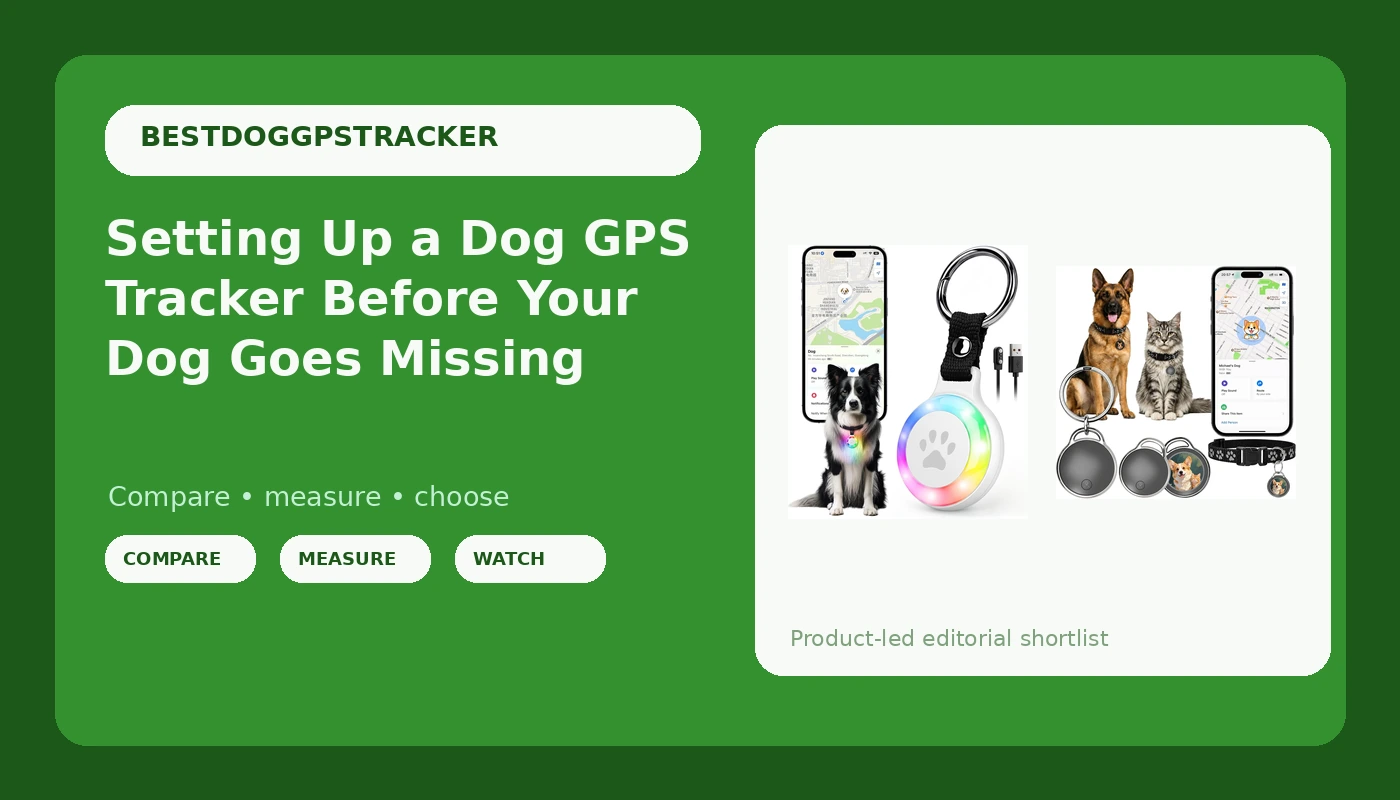
Most dog GPS tracker setup happens in the worst forty minutes of your year. Mine happened in 2022, when my husky slipped a gate someone left open and I spent the first half hour of the search squinting at a quick start card with cold hands. Dog GPS tracker setup is a twenty minute job at the kitchen table plus one lap around the block, and it is the difference between a dot on a map and an actual recovery.
I'm Maya. I live in Bend, Oregon, I run search and rescue in the Cascades, and I train trail and hunting dogs. I've tested 10 trackers over four years and roughly 2,000 miles of trail, and I keep a log of battery life, satellite lock times, and which manufacturers lie about coverage.
The hardware is the easy part. Setup is where trackers fail, and it fails in ways you can fix tonight.
Why you should trust me
I have one dog that escaped three times before I found a tracker that held up, and I have walked a canyon at 2 a.m. looking for a dog that was lost for 11 hours in the Deschutes National Forest. That search ended with a neighbor's phone call, not my app, which is the single most useful thing I know about this category: the tracker is a tool, and the plan around it is what brings the dog home.
Since then I've run every tracker I own through the same three drills. Trail test on real off-grid miles. Recovery drill with a hidden dog and a stopwatch. Buyer's chair math on three-year cost. I've found two trackers in the woods that were no longer attached to dogs, which tells you how much collar fit matters.
How I picked and how I tested
I judge trackers on five things, in this order.
Attachment. If the mount fails, nothing else matters. I want a housing that clamps or threads onto a real collar, not a silicone sleeve that slides.
Coverage type. GNSS lock is the satellite fix. Cellular is how that fix gets to your phone. A tracker that needs bars is a leash, not a lifeline, so I care a lot about what happens when you have no signal: does it store the last known location and hand it to you when you get back in range, or does it show you a spinner?
Battery duty cycle. Live mode drains a battery in hours. A daily or interval mode lasts days. The right setup uses both, and the app should let you switch.
Recovery features. Geofence alerts, last known location, and a light you can trigger at night. Live tracking is a party trick. Those three are the product.
Water and teeth. IP67 or better, and a housing that survives a bored dog. Dogs chew, scratch, and swim.
I don't review invisible fence collars or shock systems. Different ethics, different product. And I don't cover cat trackers, because cats have entirely different escape physics.
The two trackers worth setting up first
Both of these are tags you attach to a collar you already own, which is the right way to start. Neither one is a fence, a training tool, or a substitute for a recall. They are recovery equipment, and you set them up the same way you'd set up a spare tire: before you need it.
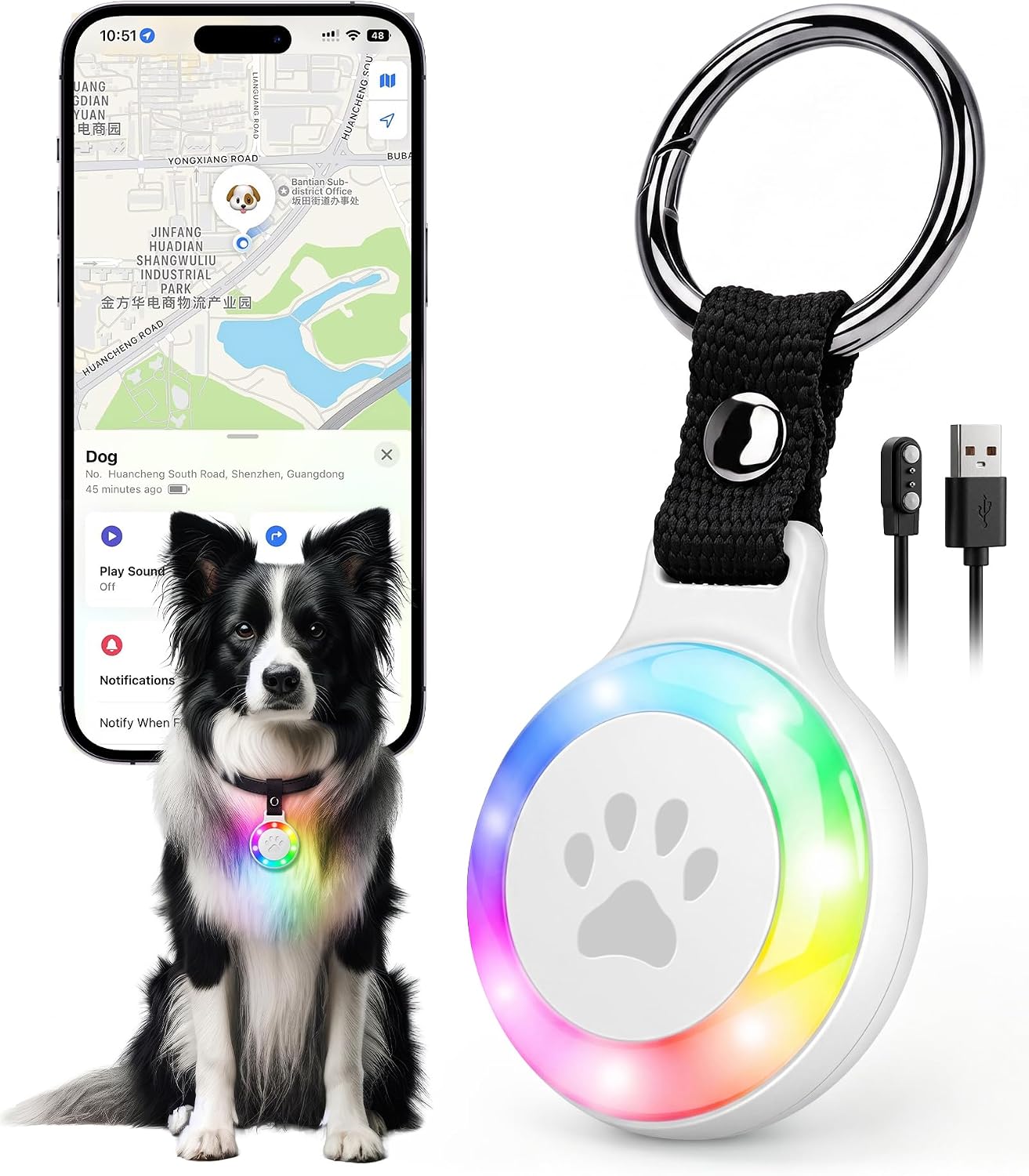
No-monthly-fee pick: Pet Tracker for Dogs Cats, Location & LED Night Light Tag, No Monthly Fee
 Visit on Amazon →
This is the one I'd hand a friend who is allergic to subscriptions. The name says no monthly fee, and that matters more than people think, because over three years a monthly plan can cost more than the device itself. If you want a tracker you buy once and stop thinking about, start here.
The LED night light tag is the feature I'd actually pay for. At dusk in the pines, a black collar on a black dog is invisible, and a light you can trigger from the app turns a ten-minute search into a ten-second one. It's also the feature that helps you find the tracker itself if the collar comes off in thick brush, which is exactly how I found those two orphaned units.
Set this one up with the same discipline as a subscription tracker. Fit it snug, set your geofence, and test it on your own street before you trust it anywhere with trees. A tag with no recurring cost is usually trading subscription dollars for a different kind of coverage, and the only way to know what it does in your neighborhood is to walk it there yourself.
Flaws but not dealbreakers: No recurring fee means no one is paying to maintain a network on your behalf, so treat coverage as something you verify rather than something you assume. Walk the fence line, watch the app, and note where it goes quiet.
Anyone who wants a light, a location, and no bill every month should start here.
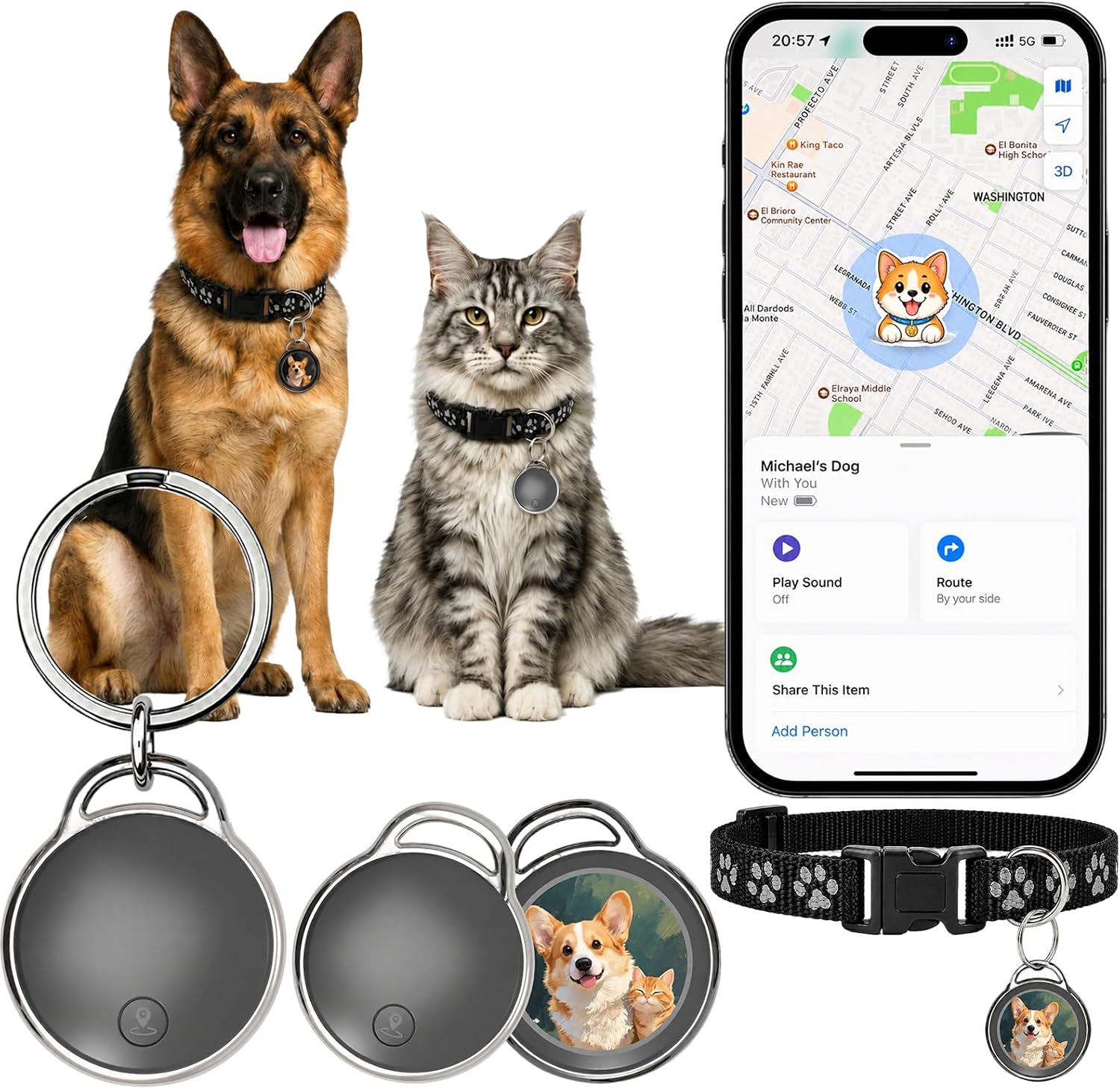
Real-time pick: GPS Tracker for Dogs/Cats, Real-Time Tractive GPS Tracker Device
 Visit on Amazon →
Real-time is the whole point of this one. When a dog is moving, a stale dot tells you where he was, and real-time tells you which way he's going. On a trail dog that bolts, that difference is the difference between cutting him off at the next switchback and guessing.
Here's my caveat, and it's the same one I give every client. Real-time tracking is the feature, and the plan behind it is the real price. Do the three-year math before you buy, not after. If the subscription costs more than the device, that's fine, as long as you knew it going in and you're not going to cancel it in month four and wonder why the dot stopped moving.
For this one I'd set the update interval to a moderate live setting for hikes and switch to a longer interval for the yard. That's the battery duty cycle decision, and it's the single biggest lever you have on how long the thing lasts.
Flaws but not dealbreakers: Real-time trackers lean on a network, so canyon country can still eat your signal. That's why the recovery drill below matters more than the live map.
Anyone who hikes off-grid with a dog that has a history of leaving should look here first.
The actual setup workflow
Do this at the kitchen table, not on the trailhead. Twenty minutes now saves you an hour of panic later.
Step one: Charge it and pair it at home. Full charge before anything else. Pair the tracker to your phone while you have solid signal and time to read the screens. Every setup problem I've ever had happened because I was learning the app while walking.
Step two: Fit it to the collar correctly. Two fingers under the collar, no more. The tracker housing should sit on the side of the neck, not under the throat where brush grabs it, and not on top where the leash clip and the D-ring fight it. If the tag can spin, it can catch. Check the attachment by grabbing the tracker and pulling hard. If it shifts, fix it now.
Step three: Set the geofence to your actual yard. Not a circle that includes the road, not a circle that includes the neighbor's driveway. A geofence that fires every time the dog pees in the corner trains you to ignore alerts, and an ignored alert is worse than no alert. Draw it tight, then expand it only if you get false alarms.
Step four: Add a second contact. Put another person on the alert list. If you're in a canyon with no bars, your partner gets the notification and can act.
Step five: Turn on the alerts that matter. Geofence exit, low battery, and no-motion. No-motion is the underrated one: a collar that stops moving is either off the dog or on a dog that's stuck, and both need your attention.
Step six: Walk the perimeter. Leash the dog, walk the fence line, and watch the app. Note where the dot gets sloppy. Every property has a dead corner, usually behind a metal shed or against a hill, and you want to know yours before it matters.
Step seven: Set your duty cycle. Live interval for hikes, longer interval for the yard. Write down roughly how long each mode lasts in your own use, because manufacturer estimates are optimistic and your log is the truth.
Step eight: Test the light. Trigger the LED at dusk from across the yard. If you can't see it at 50 feet, you won't see it at 200 in the trees.
Step nine: Label the tracker. Permanent marker on the housing, plus your phone number on a tag. If it comes off, a stranger with a phone is your best recovery tool.
Step ten: Learn where last known location lives in the app. Find that screen now. When you're panicking, you will not want to hunt through menus.
The recovery drill you run the same week
This is the step almost nobody does, and it's the one that changes outcomes.
Have someone hold your dog while you walk out of sight, or better, have a friend hide with the dog somewhere on your normal route. Then find the dog using only the app, and time yourself. Do it twice.
The first run teaches you how to read the interface. The second teaches you what your tracker actually does when you're moving and it isn't. Most people discover the same two things I did: the live dot lags behind a running dog, and the last known location is the screen that actually gets you to the right trail.
Run the drill in the dark once. Night changes everything about how you search, and a triggered LED is worth more than a map pin after sunset.
The competition and why it lost
Bluetooth tags that claim unlimited range are the biggest lie in this category. They work at the dog park and in the house. The moment your dog leaves the yard, they're a plastic charm. I've watched people rely on them in the middle of a search, and it costs hours.
The big tech brands make fine convenience gadgets. They sell you a dot on a phone. The dedicated pet trackers sell you battery life, a light, and recovery features, and for a dog that runs, that's the trade you want.
Invisible fence and shock systems are outside this article on purpose. Different ethics, different product, and I don't review them.
What this all costs
Here's the math I run for every client. A no-monthly-fee tag is a one-time purchase, so your three-year cost is the device plus a spare collar. A real-time tracker with a monthly plan adds up fast: at $10 to $15 a month, you're looking at $360 to $540 over three years, which is more than the hardware. Budget for it or don't buy it.
Neither number includes the thing that actually saves dogs, which is free. Fit the collar, draw a tight geofence, label the tag, and run the drill twice. Do that tonight, before the gate gets left open, and the dot on your phone becomes a dog on your porch.
That's the job. The tracker is the tool. The setup is the lifeline.